


OUR WORK
The future,
delivered.
We’ve helped visionary brands launch the next era of experiences – crafted with design, driven by intelligence, and built at speed.

CASE STUDIES
Explore the possibilities.
Explore our case studies across education, healthcare, financial services, and more—featuring mobile apps, Salesforce solutions, cloud-native platforms, and AI-powered tools.
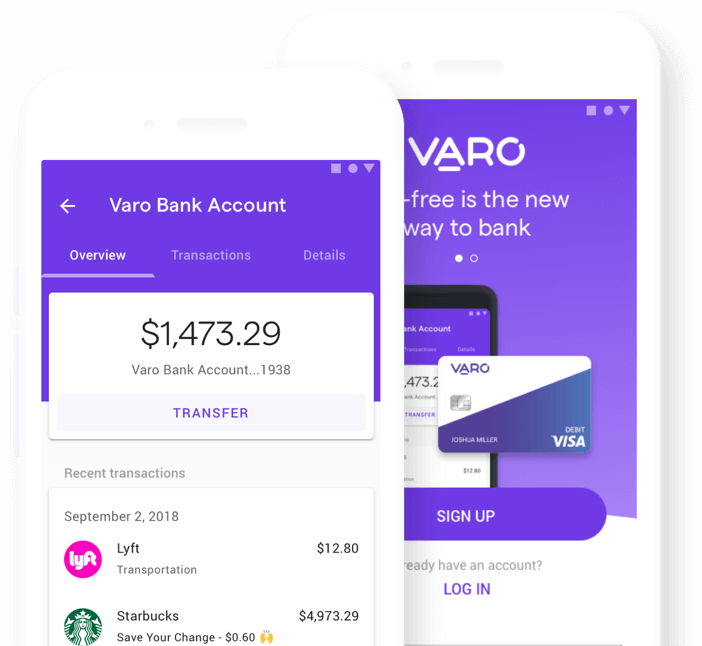
Varo
Mobile banking platform enables growth and ensures regulatory compliance.
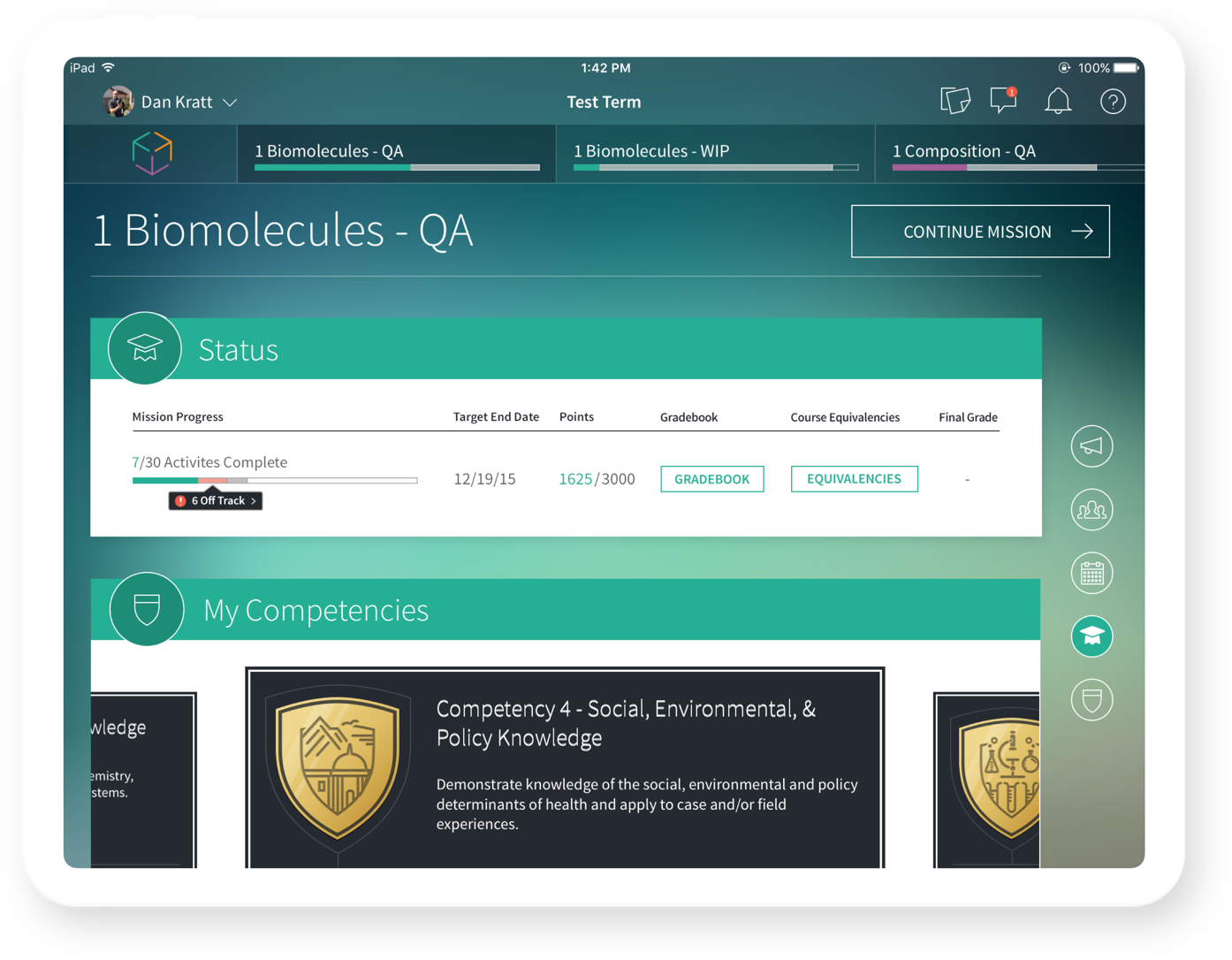
The University of Texas
Mobile-first platform replaces textbooks and personalizes college learning.
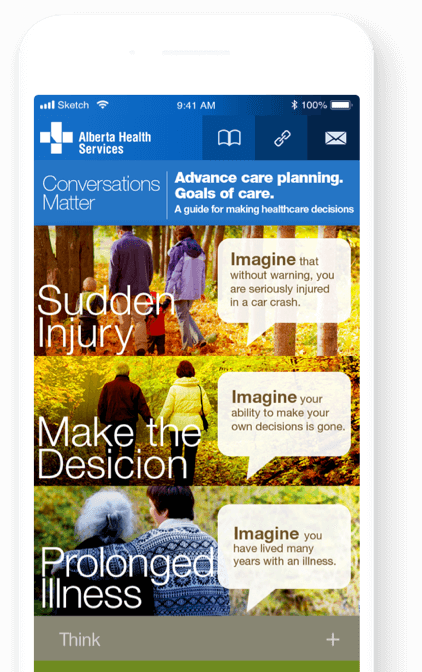
ALBERTA HEALTH SERVICES
Mobile solution empowers Albertans to manage health and access care with ease.
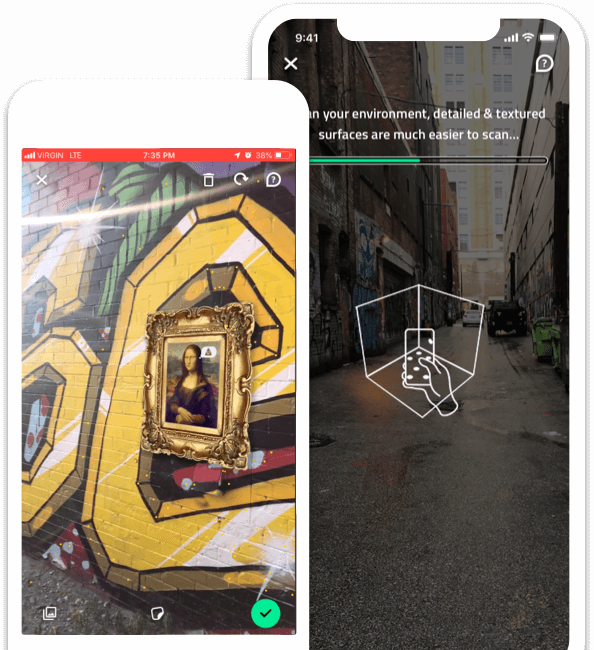
arfiti
Augmented reality app turns city streets into canvases for creative expression.
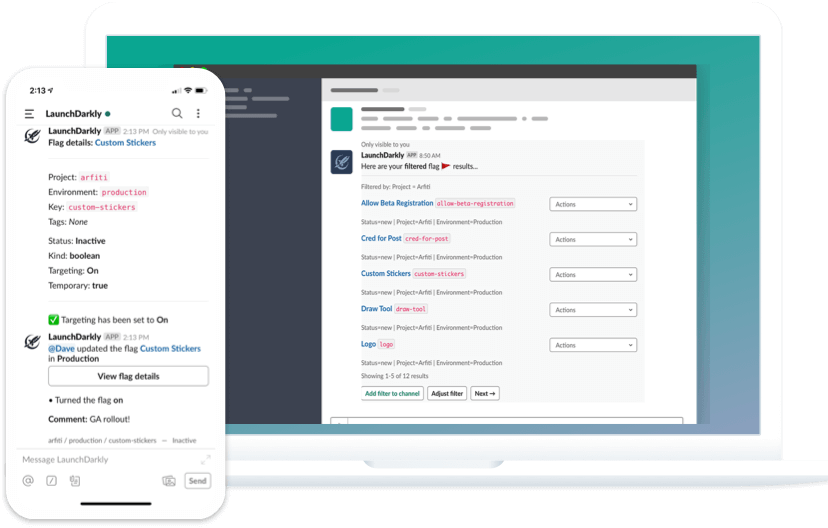
LAUNCHDARKLY
Slack app helps teams manage feature flags and ship software with enhanced control.
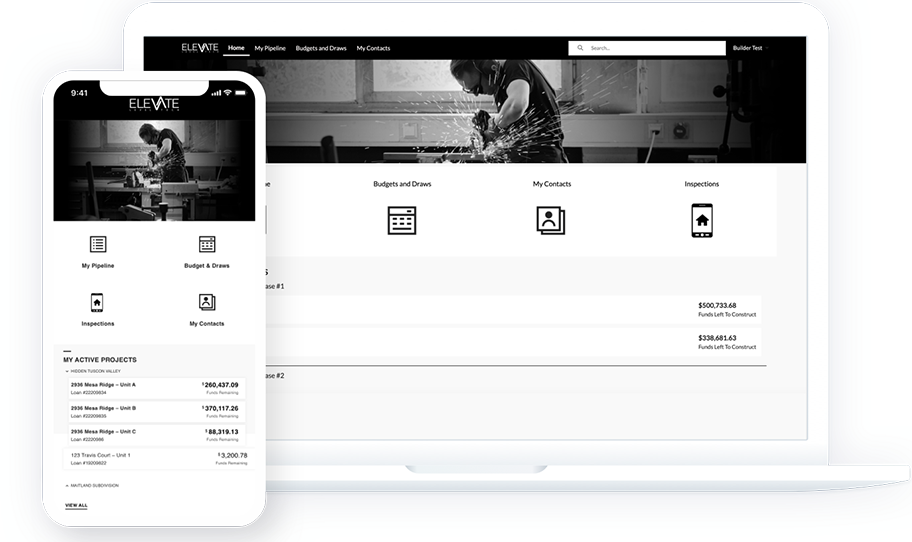
Level Capital
Salesforce-powered lending platform automates funding from end to end.
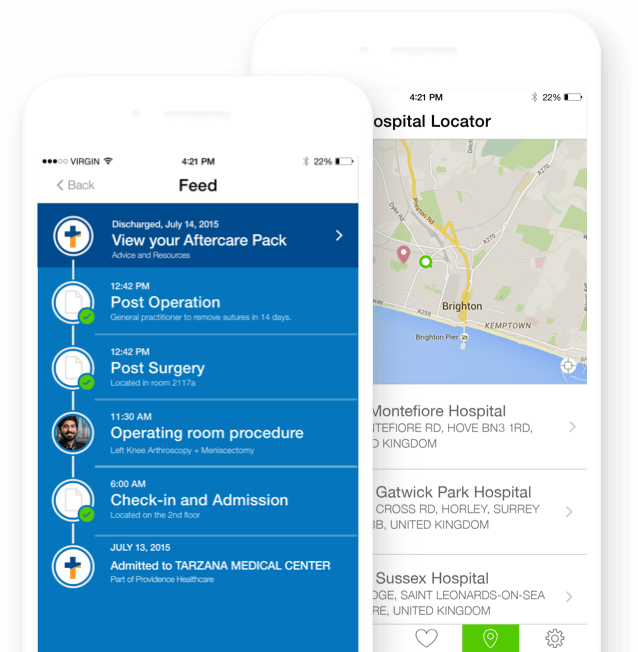
Providence Health Systems
All-in-one healthcare app simplifies access and empowers patient action.
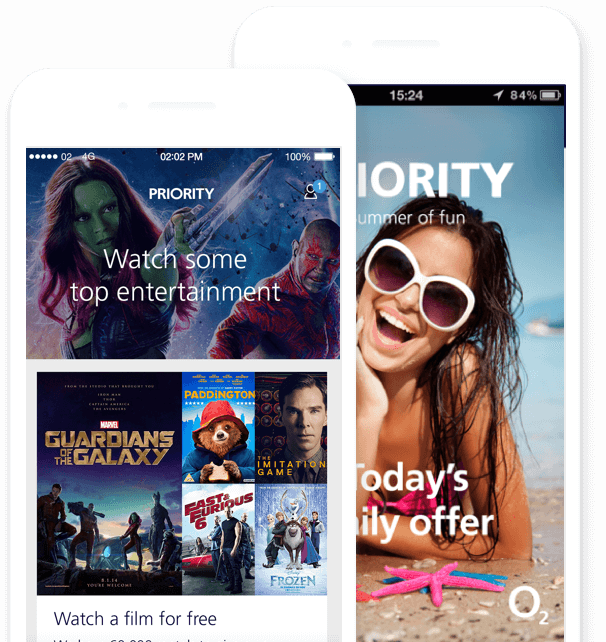
O2
Exclusive perks and early access boost loyalty for millions of app users.
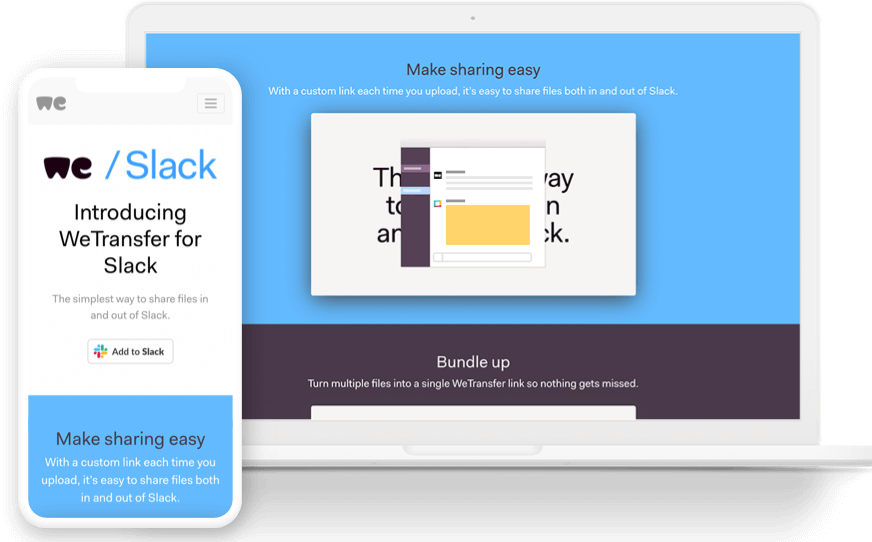
WeTransfer
Slack and browser tools simplify sharing large files across any workspace.
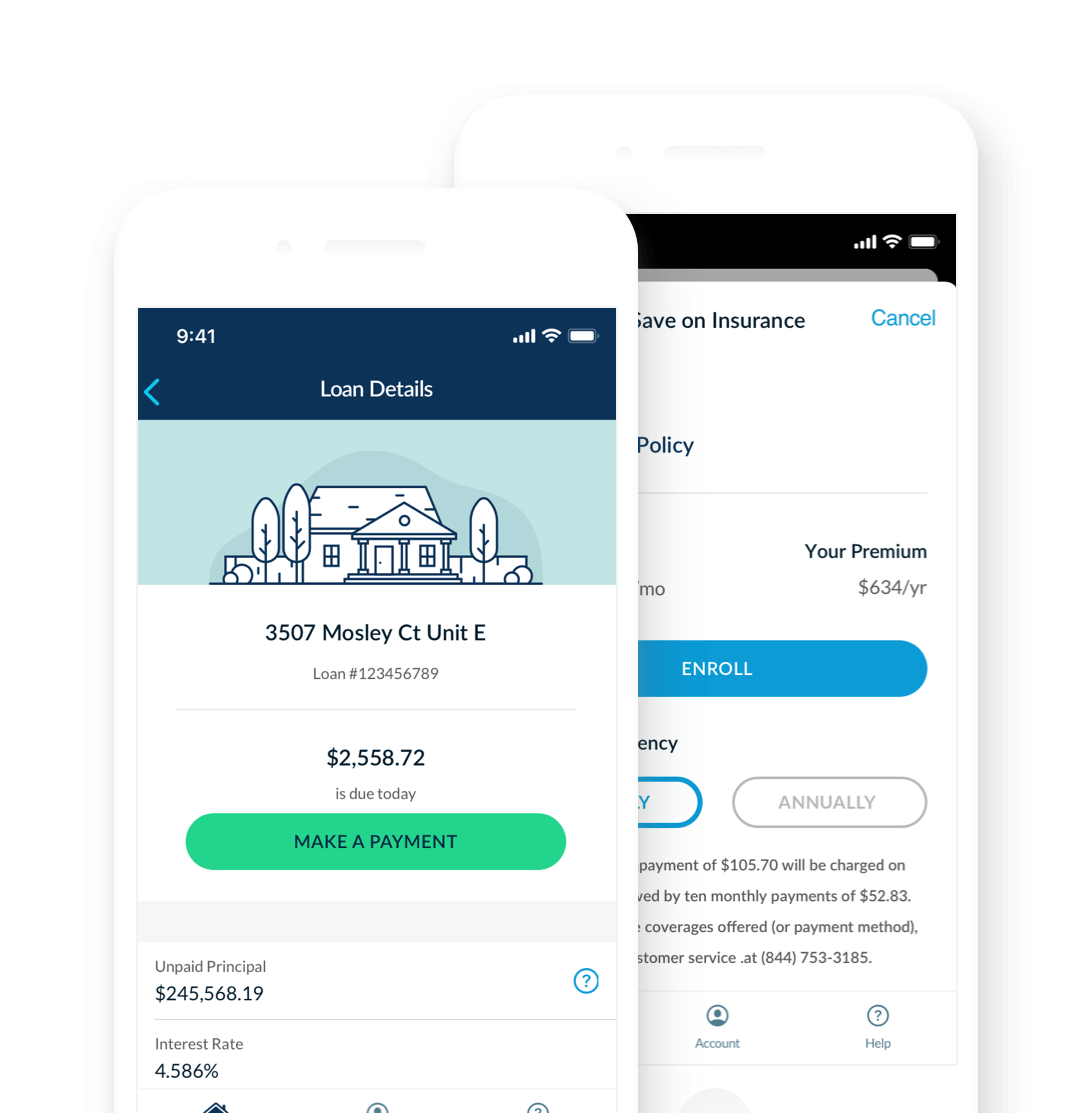
Homepoint
Mobile app simplifies mortgage payments, account management, and offers.
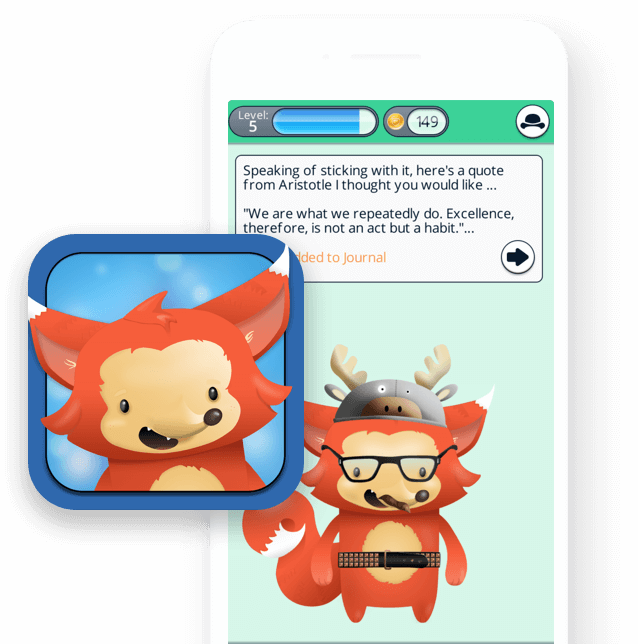
Vancouver Island Health
Gamified mental health app helps young people build positive habits.
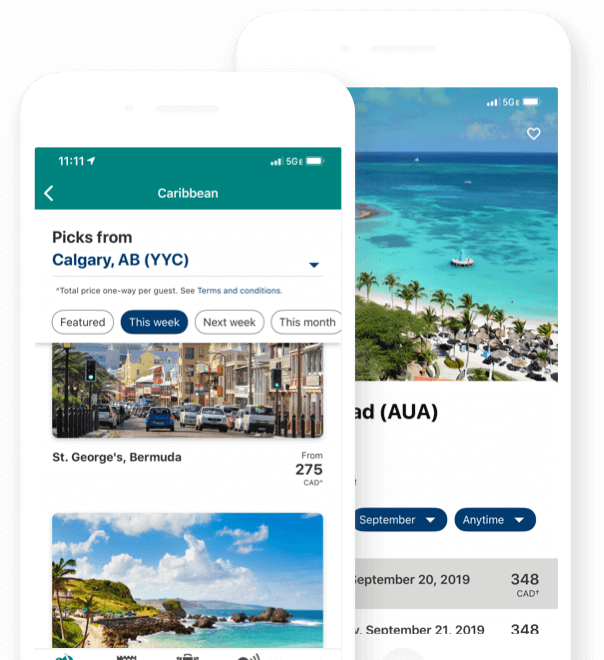
WestJet
Unified design system and modern tech stack improve traveler interactions.
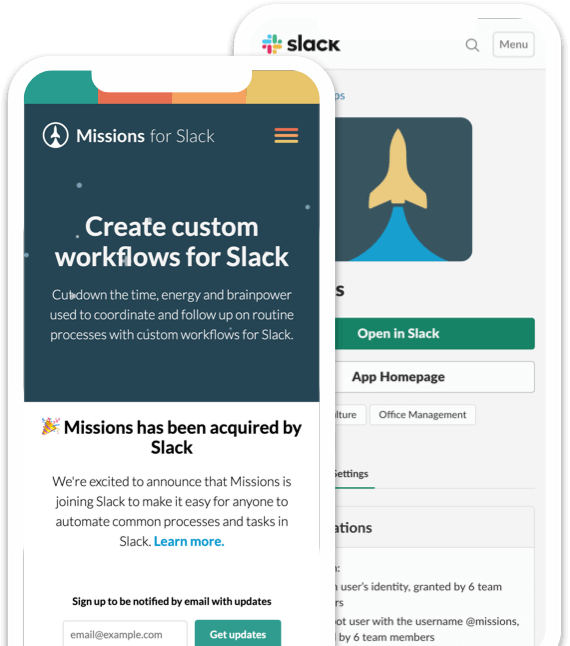
Missions for Slack
o-code workflow builder makes Slack smarter for teams of every size.
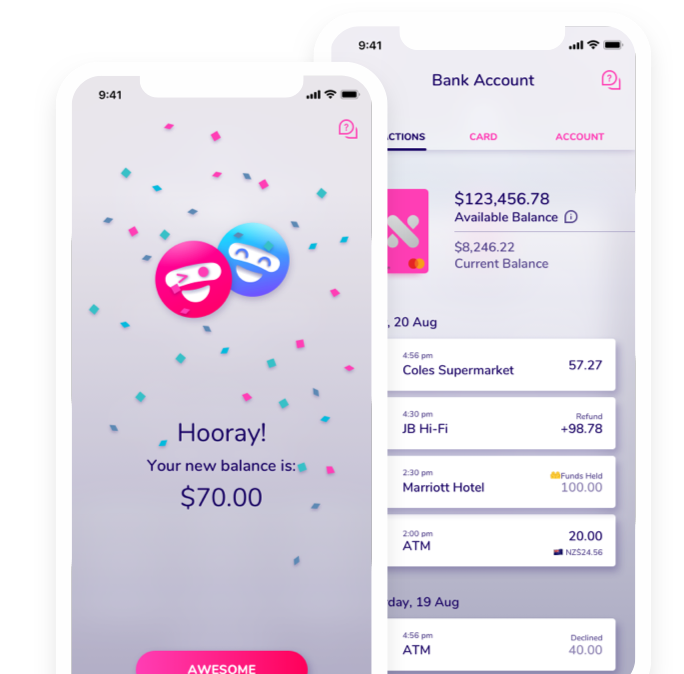
Xinja
Mobile-first banking experience designed to build trust and financial confidence.
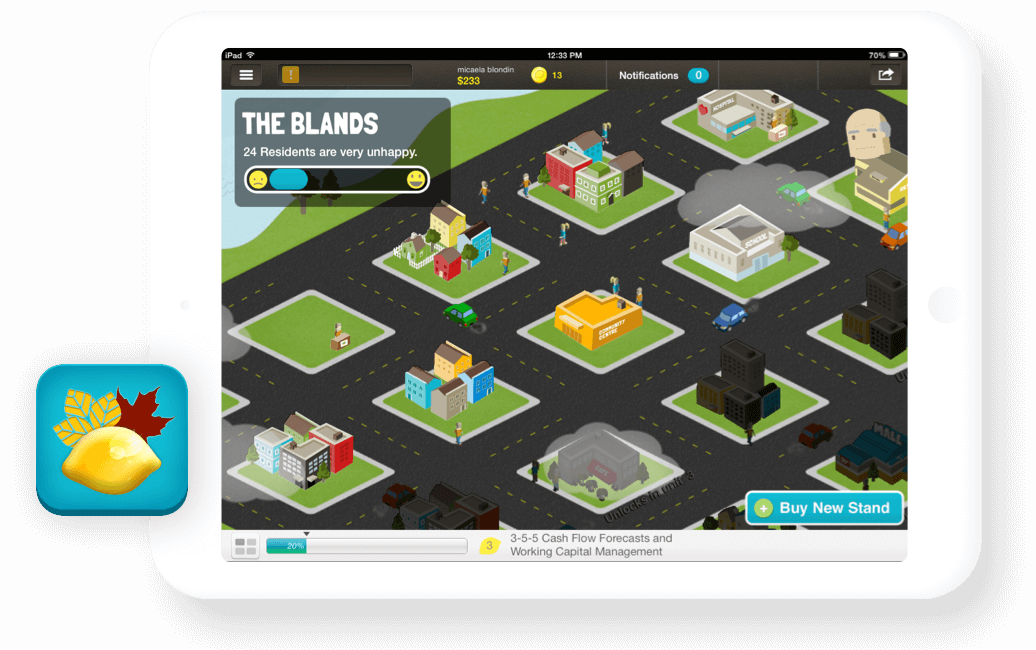
GoForth Institute
Gamified curriculum empowers students to explore business ownership.
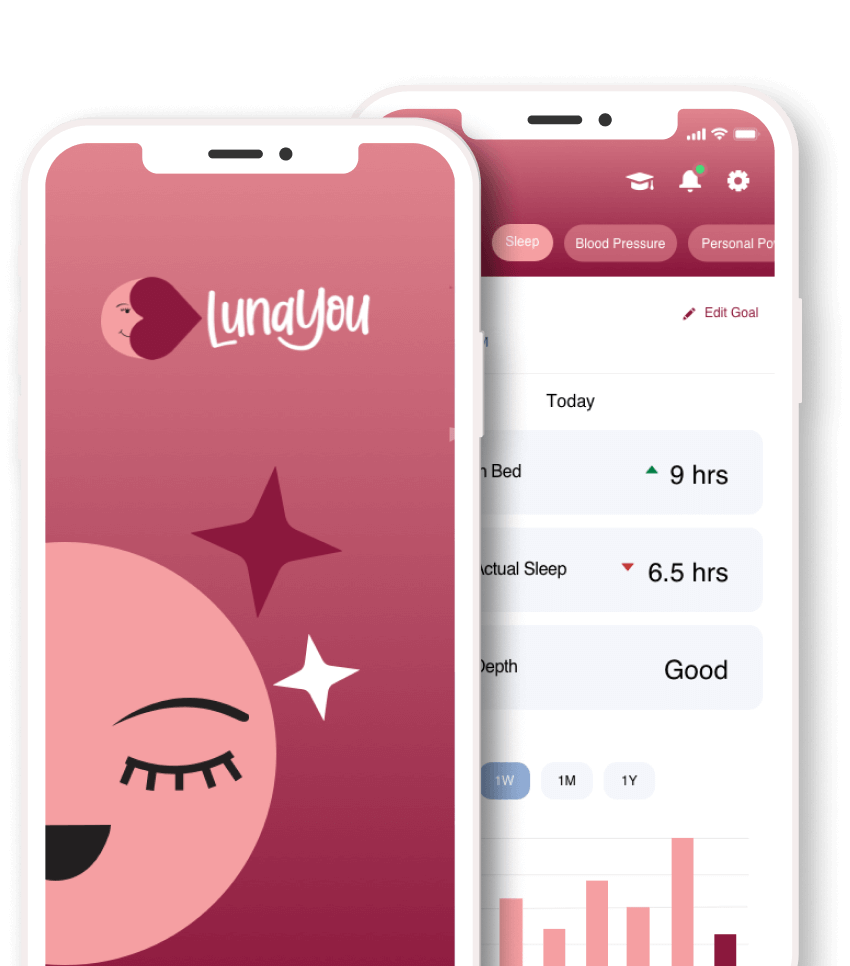
LunaYou
Salesforce Experience Cloud-powered app improves maternal outcomes.
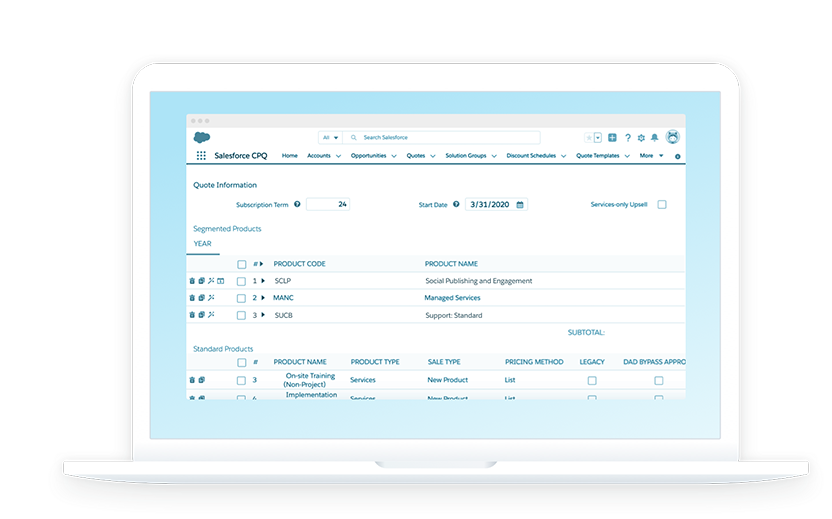
Sprinklr
Streamlined Salesforce CPQ boosts quote accuracy and seller confidence.
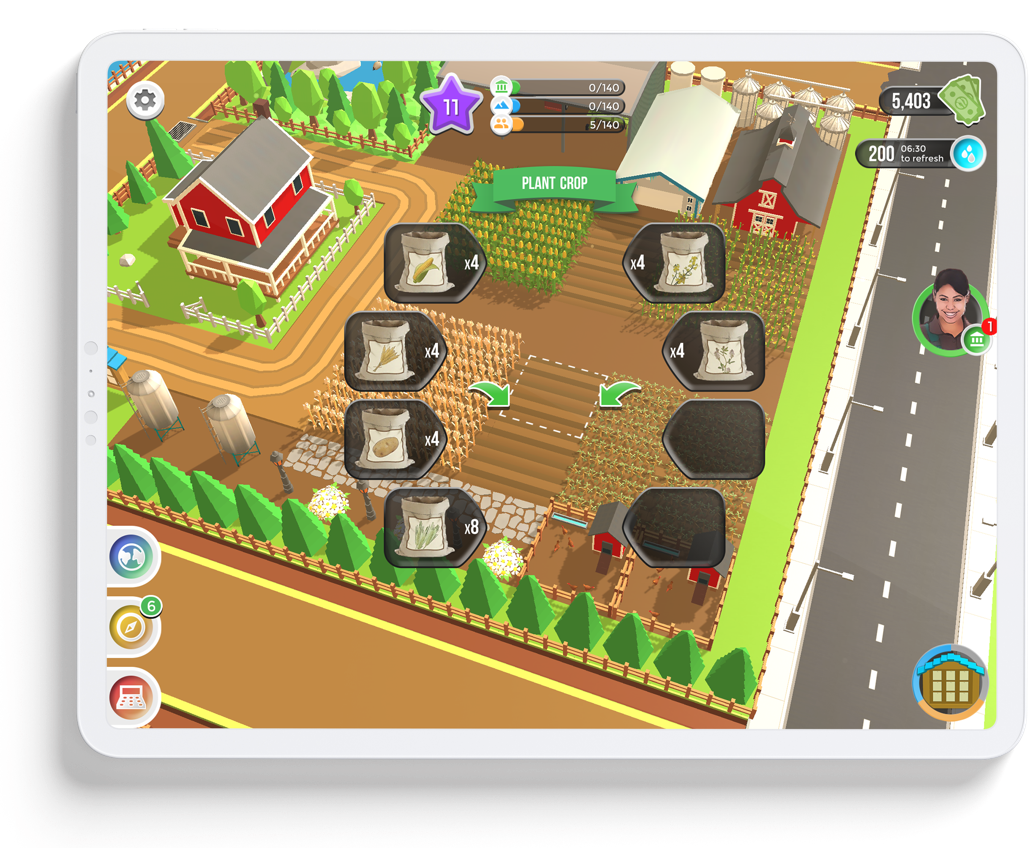
Nutrien
Educational game teaches global food systems through real-world simulation.
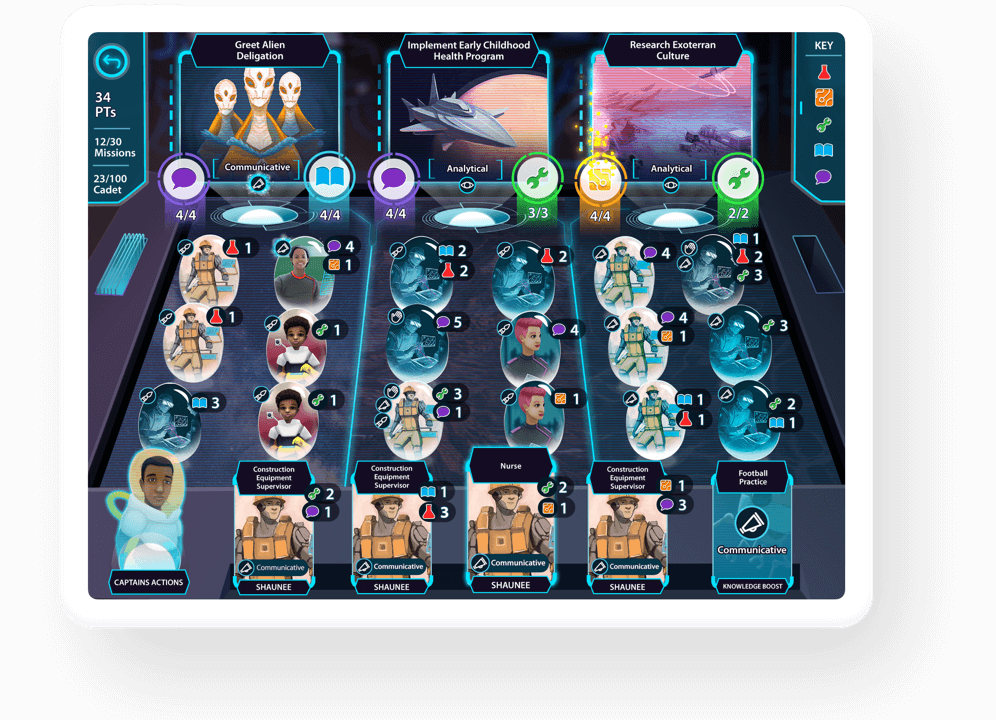
Texas OnCourse
Gamified career discovery helps students connect skills to future jobs.









































































Want to see similar results?
Let’s explore what’s possible —
and define what success looks like for your team.